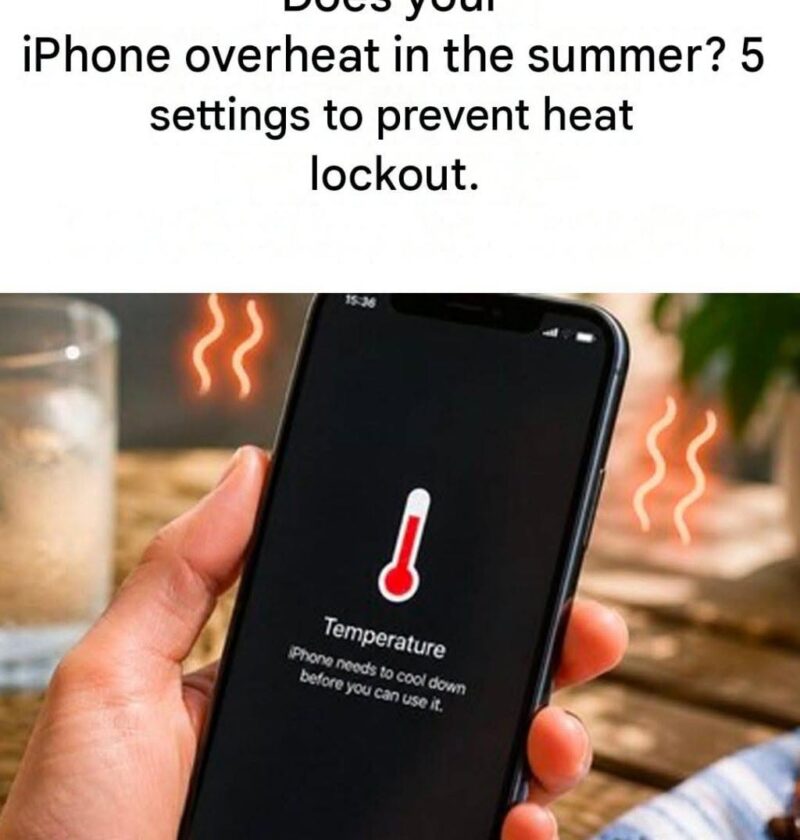
The headline “Please avoid your iPhone if it is blocked by summer heat. There are 5 convenient settings to keep the phone running frequently and also working longer” appears to be a tech tip article teaser. The general idea is correct: high temperatures can cause an iPhone to slow down, stop charging temporarily, dim the display, or shut down to protect its battery and internal components.
There are some useful settings and habits that can help in hot weather:
- Turn on Low Power Mode
- Reduces background activity and power use, which can help reduce heat generation.
- Go to Settings → Battery → Low Power Mode.
- Reduce screen brightness
- A bright display produces more heat and uses more battery.
- Use Control Centre to lower brightness or enable Auto-Brightness under Settings → Accessibility → Display & Text Size.
- Limit background app activity
- Go to Settings → General → Background App Refresh and disable it for apps that do not need constant updating.
- Avoid heat while charging
- Charging generates heat, especially with fast chargers.
- Remove thick cases if the phone becomes hot and avoid charging in direct sunlight or inside a hot car.
- Keep software updated
- Updates can improve efficiency and fix issues that cause excessive battery use.
- Check Settings → General → Software Update.
Additional tips:
- Keep the iPhone out of direct sunlight.
- Do not put a hot phone in a refrigerator or freezer; rapid temperature changes can cause condensation damage.
- If you see a temperature warning, stop using it and move it to a cooler place until it returns to normal.
The “5 settings” claim is a bit vague—there is no special summer mode that prevents overheating—but these steps can help an iPhone stay cooler and protect battery health.